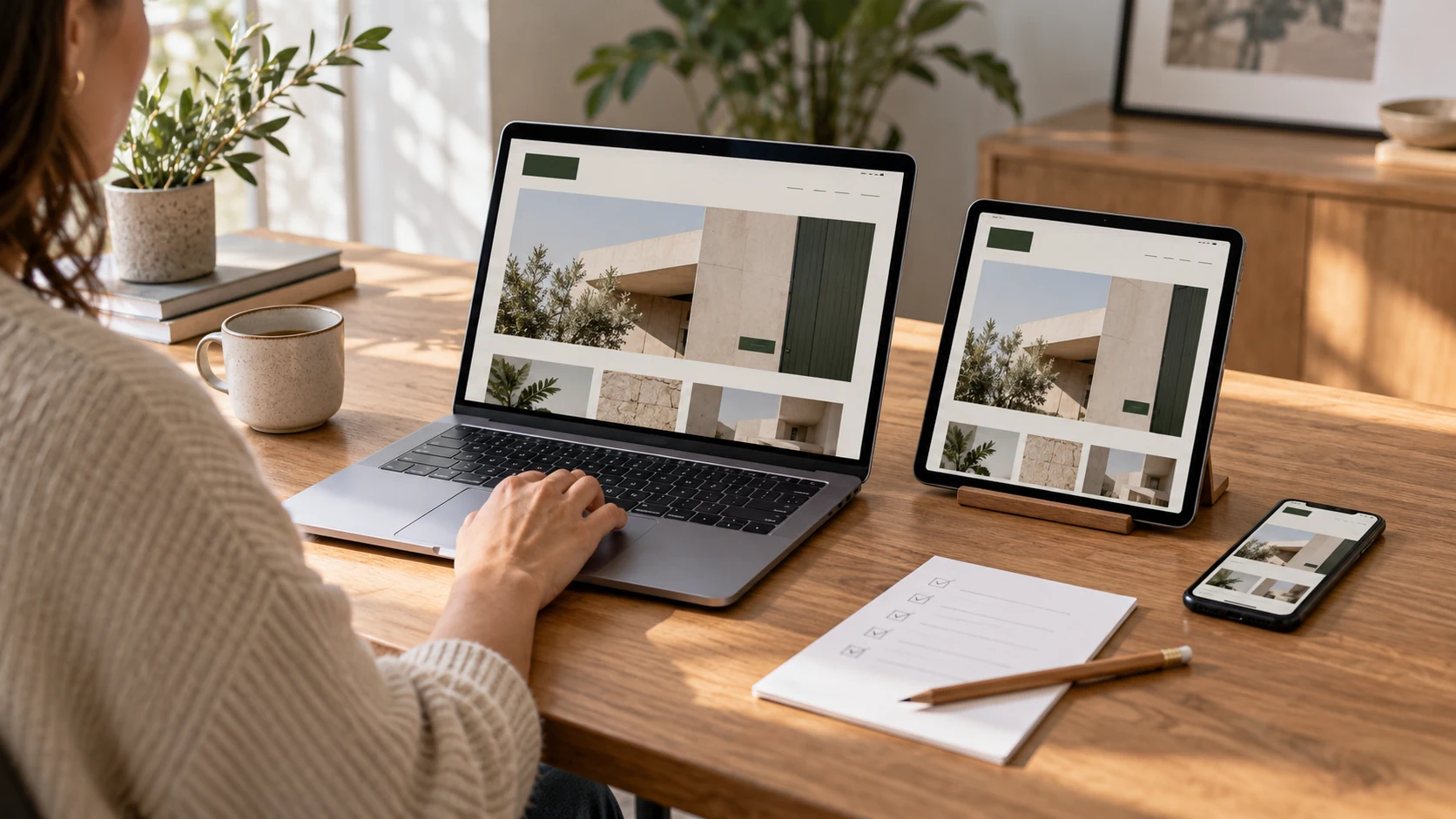
A Webflow website is ready to launch when visitors can understand the offer, complete the intended action and reach your team, while the business can maintain the content and measure what happens. Approve those outcomes on the working site before increasing campaign traffic.
For a Dubai business, that may include an English and Arabic enquiry journey, mobile visitors opening an Instagram ad, or overseas buyers researching an exhibition supplier. A homepage review alone will not test all of these paths.
Use this checklist for a new website, a redesign or an event landing page. Each section gives you something concrete to verify with your development partner.
Define what a successful visit looks like
Choose the main action for each important page. A service page might lead to a quotation request. An event page might lead to a completed registration. A project gallery might help a visitor assess relevant work before making an enquiry.
Write a short acceptance scenario in plain language. For example: “A marketing manager planning a Dubai product launch can find the relevant service, see examples, submit the event date and receive a clear confirmation.” This is an illustrative test, not a claim about any campaign's results.
Follow that journey from the actual landing URL. Check whether the page explains what is offered, who it is for and what happens after the enquiry. Remove placeholder claims, outdated dates and buttons that lead to the wrong form.
For events, include the venue, date, time and intended audience wherever they are relevant. Make clear whether the action reserves a place, requests approval or only registers interest. These are different commitments.
Submit every form and follow the enquiry through
A success message is only one part of the test. Submit a clearly labelled test enquiry on the published domain, then follow it through the agreed destination.
Check that:
- Required fields, validation and error messages work on mobile
- The submission arrives in the correct inbox or CRM
- The message includes the selected service and useful enquiry details
- Replying reaches the person who submitted the form
- A named person owns the response
- Duplicate clicks and spam controls behave as expected
Test every important form, including those inside reusable page components and language versions. A contact form working correctly does not establish that an event-registration form is also working.
Webflow's form-submission documentation explains how notification settings and submission handling work. It also notes that a custom form action bypasses Webflow's processing. Confirm the actual route used by your build, particularly if an external CRM or form service is involved.
Check phone and WhatsApp links separately. Opening an app proves the link works; it does not prove that a qualified enquiry or conversation occurred. Keep those actions distinct in reporting.
Review Arabic as a complete customer journey
For a bilingual website, switch languages while on a service or blog page. The visitor should reach the appropriate equivalent page, where one exists, rather than unexpectedly losing their place.
Review the full journey in Arabic: navigation, headings, form labels, validation messages, confirmation text and any follow-up page. Ask a fluent reviewer to check meaning, terminology and readability.
Webflow documents automatic right-to-left script support for published Arabic locales in its localization guidance. That still leaves a practical layout review. Check mixed Arabic and English text, phone numbers, arrows, icons, cards and button alignment on real screen sizes.
Agree how new content will be maintained in both languages. If the team updates an event date or service detail in English, who updates the Arabic version? Include page titles, descriptions and image text in that process. Confirm the required localization features and associated plan before launch.
Test the pages visitors will actually open
Do not judge the entire website by the desktop homepage. Open a service page, campaign landing page, long blog post and content-heavy project page on a phone. For a CMS-driven site, test an item with a long title, several images and optional fields left empty.
Look for practical problems: hidden buttons, sideways scrolling, unreadable text over images, cropped logos, menus that cannot be closed and sticky elements covering form fields.
Use keyboard navigation to check that links and forms are reachable and that the current focus is visible. Review image alternatives and colour contrast as part of accessibility testing. These checks are useful, but a full accessibility assessment requires a defined scope and appropriate expertise.
Performance tests should cover representative live pages with real content and third-party scripts loaded. Large event videos, sliders, tracking tools and oversized images can affect the experience. Agree a performance budget and review both laboratory results and real-user data when enough data becomes available.
Protect useful URLs during a redesign
Before replacing an existing site, record its important URLs. Include pages receiving organic traffic, links from other websites, paid-ad destinations and QR codes already printed on event materials.
Keep useful URLs where possible. Where a URL must change permanently, map the old address to the closest relevant replacement. Sending every old page to the homepage can leave visitors without the information they expected.
Webflow supports permanent redirects; its redirect guidance also explains that localized paths need their own rules. Check English and Arabic URLs separately.
After launch, open the old addresses and verify that they reach the intended live page without loops or broken destinations. Update internal links and campaign URLs to point directly to the new address. Keep a migration record so future editors know why the redirects exist.
A careful migration reduces avoidable problems, but no redesign process can guarantee unchanged rankings.
Verify search foundations and useful page content
For each priority page, check the visible heading, descriptive title, meta description, preferred URL and internal links. Review which pages should be indexed, and confirm that staging restrictions have not accidentally carried over to the live website.
Your developer should verify the sitemap, canonical settings and relevant search-engine tools after launch. For multilingual sites, check that language annotations and equivalent-page relationships reflect the actual published pages.
The content itself must answer the buyer's questions. State the service scope clearly, explain meaningful decisions and include genuine evidence where available. Put important information in readable page text rather than only inside a graphic or video.
These foundations also matter for AI-assisted search. Google's guidance on generative AI search emphasises useful original content and established SEO practices. There is no special schema markup that guarantees inclusion in an AI answer. Any structured data should accurately describe the visible content.
Check measurement before buying traffic
Write down the actions you intend to measure and how each is defined. Useful distinctions include a form submission, a completed registration, a telephone-link click and a lead later marked as qualified by sales.
Run controlled tests and check the analytics and advertising tools, not just the browser confirmation. Confirm that one action is not counted twice because two tracking implementations fire together. Use campaign links consistently so the source can be understood.
If you are sending Google Ads campaigns to the site, test the specific landing page and conversion path. Tracking should follow the business's privacy and consent requirements; it does not remove those obligations.
Make handover a practical demonstration
Ask a team member to update a CMS entry during handover. They should be able to change a heading, replace an image, review a draft and understand the approval and publication process without disturbing shared layout elements.
Record who owns the domain, Webflow site, billing and third-party integrations. Confirm access roles, recurring costs, maintenance scope and the process for urgent corrections. Keep recovery instructions and support contacts where the authorised team can find them.
For event websites, decide what happens after the event. Registration should close accurately; useful recap content may remain. Avoid leaving an expired date paired with an active invitation to register.
Frequently asked questions
Does a Webflow website automatically rank well on Google
No. The platform provides tools, but search performance also depends on useful content, technical configuration, competition and other signals. Launch checks can identify avoidable errors; they cannot guarantee rankings.
Should a Webflow redesign keep the existing URLs
Keep useful, relevant URLs where practical. If a permanent change is necessary, map the old address to the appropriate replacement and test it after launch. Include translated URLs and campaign destinations in the review.
How do I know a website form is working properly
Submit a labelled test on the live domain and verify the entire route: visitor confirmation, stored or routed submission, correct notification recipient and any CRM record or tracking event. Repeat for important forms and languages.
Launch with clear acceptance criteria
Naqsh Media provides Webflow website development in Dubai, including CMS websites, bilingual builds, landing pages and redesigns. Share your existing website, priority visitor journeys and launch requirements to define what the finished site needs to do.